
Items & prices
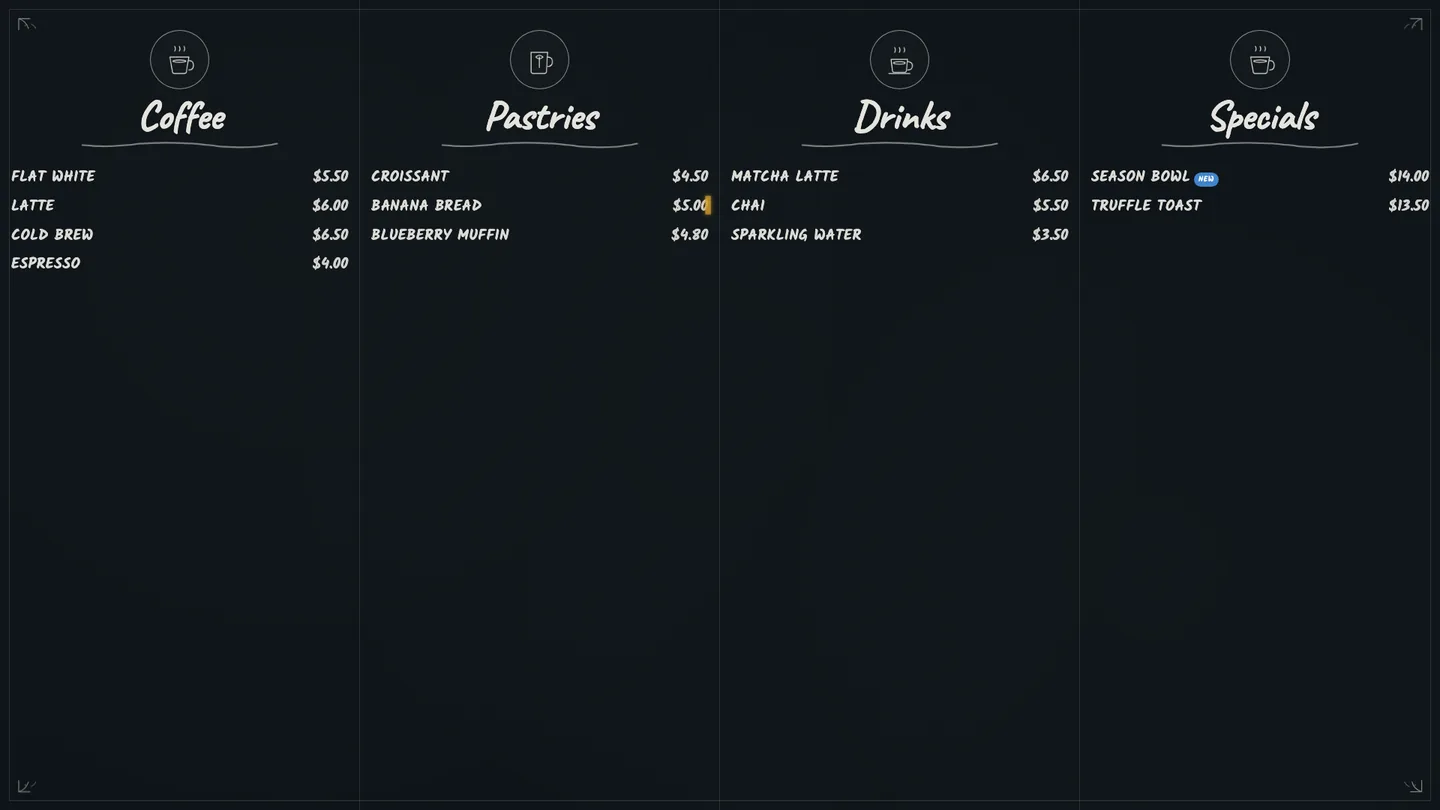
Every item and price flows straight from your POS to the board — change it once, it changes on screen.
Plug in any TV, pair it with a code — it pulls your live menu and orders from your POS.
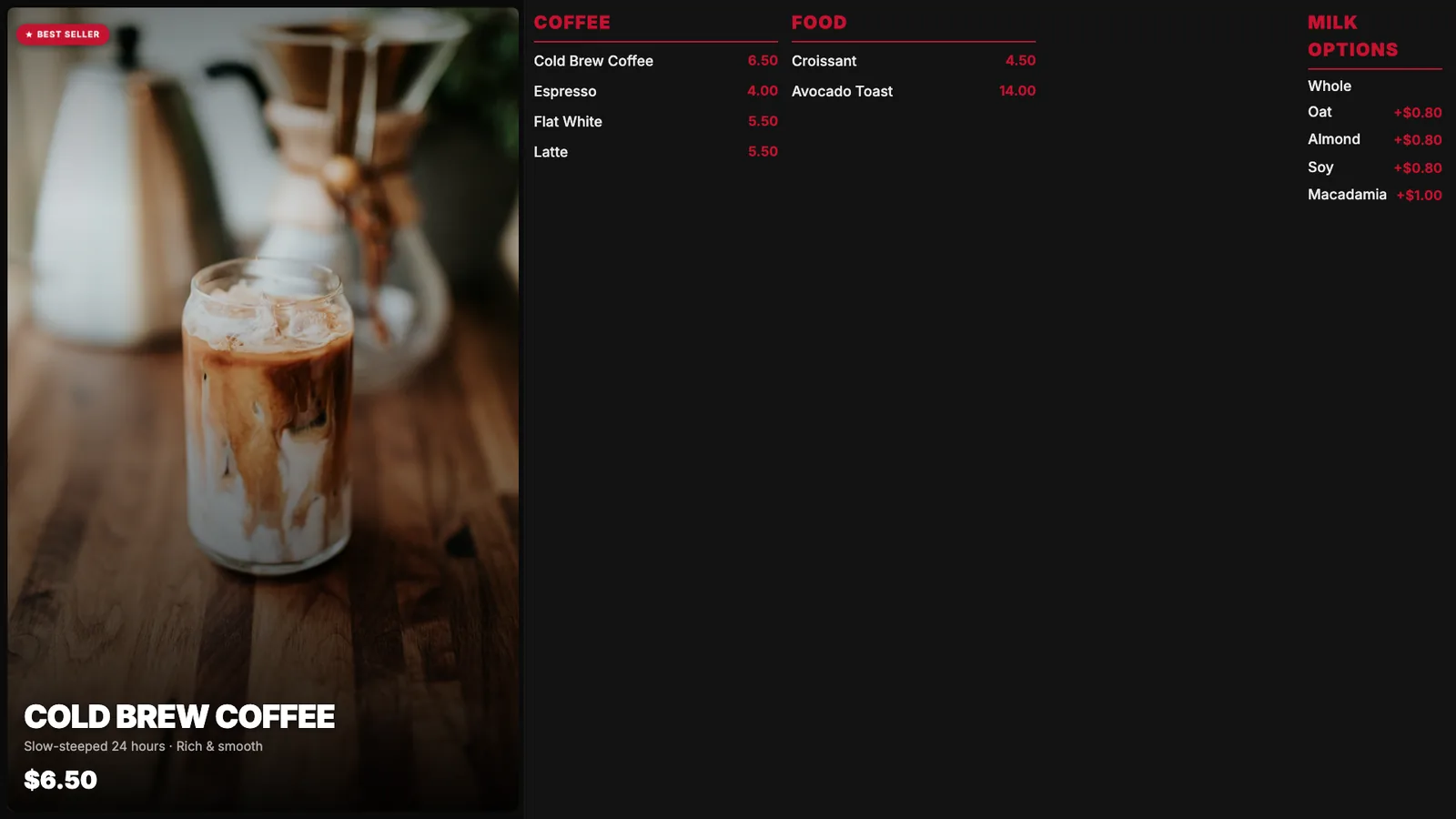
If you can plug in a TV, you can run an INFI board.
Open the board on any smart TV, Fire TV or browser. No special player, no install — it's a web app built for TV screens.
A 6-character code and QR appear on screen. Scan or type it once in your INFI admin app to claim the screen — that's the whole setup.
Your live menu, prices, photos and brand colors load automatically. Pick a template and you're on air — nothing to lay out by hand.
Change a price or 86 an item in your POS — every board keeps up on its own.
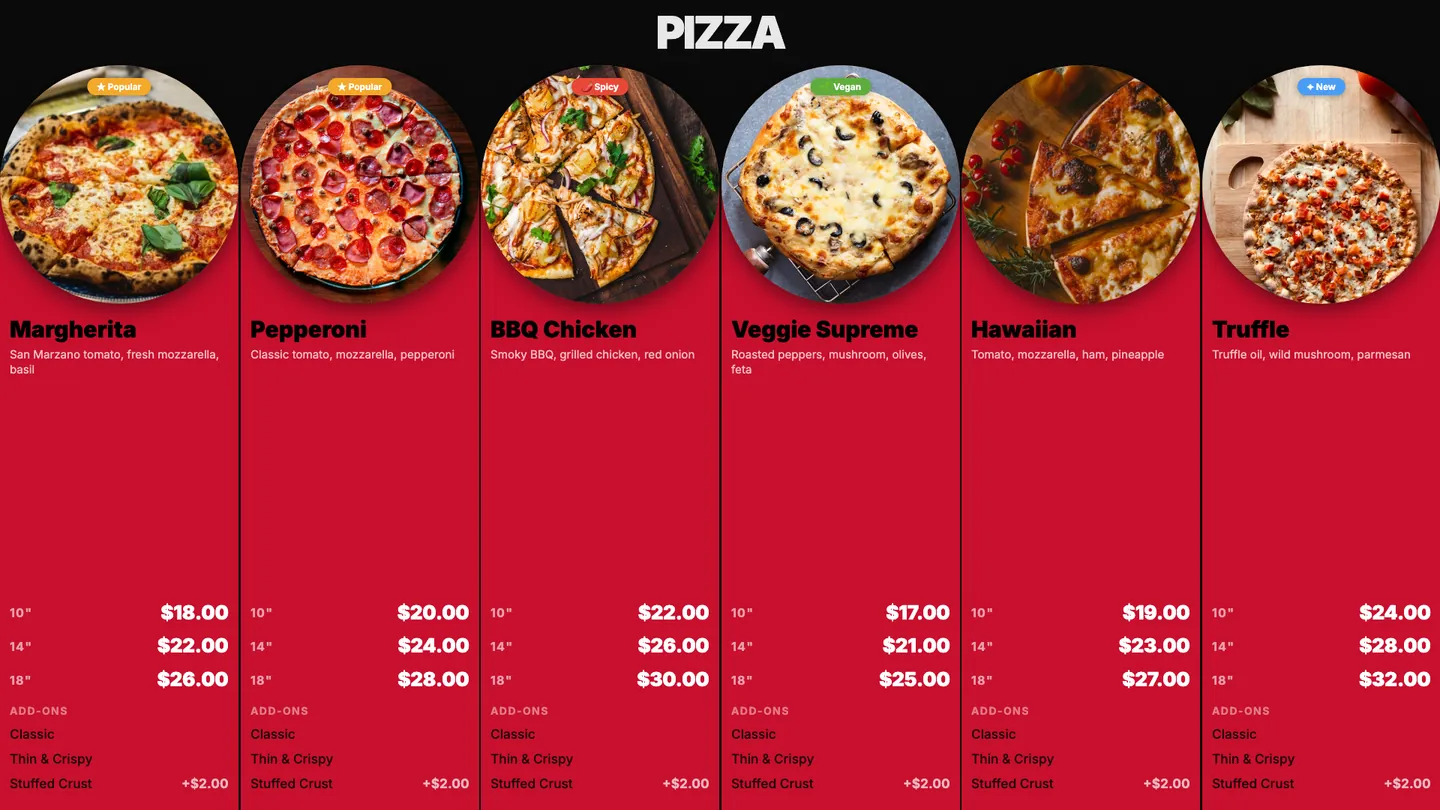
Drop in your brand colors and logo — the board derives a full, balanced palette.
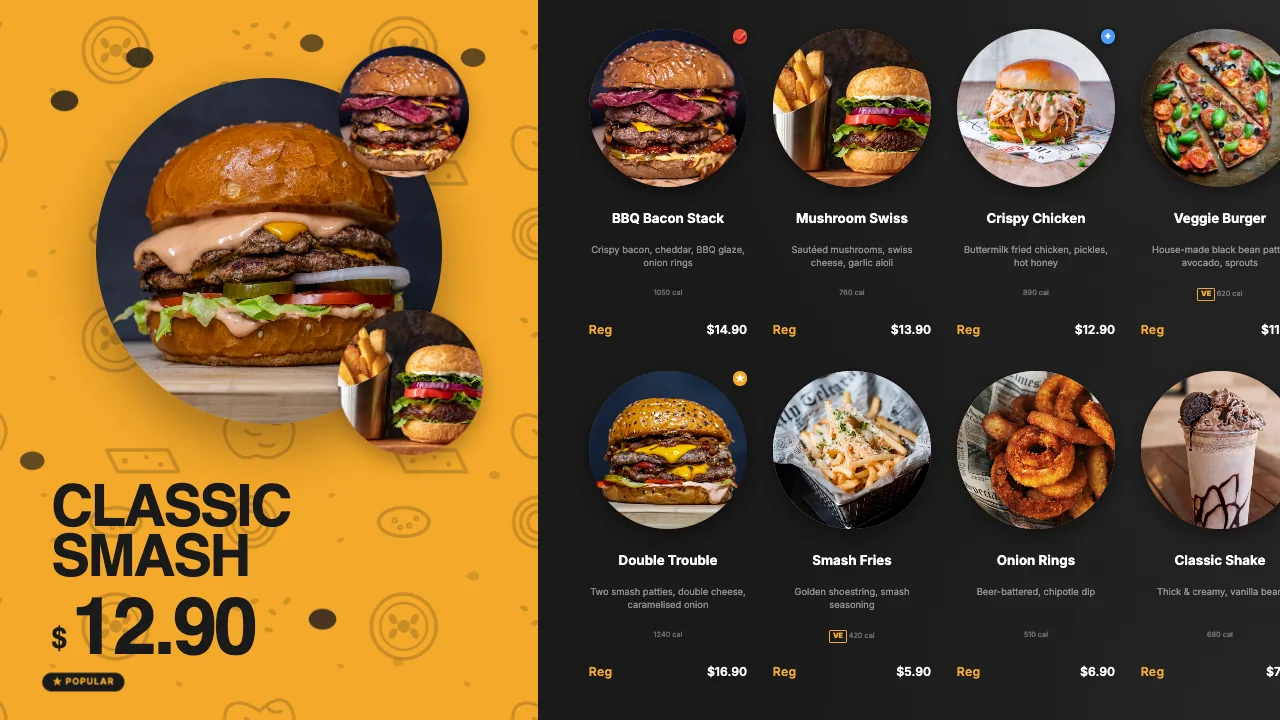
Group up to four TVs and decide what each one shows.
Order numbers move from Preparing to Ready as your POS marks them.
Pick a template and it themes to your brand — readable from across the room.
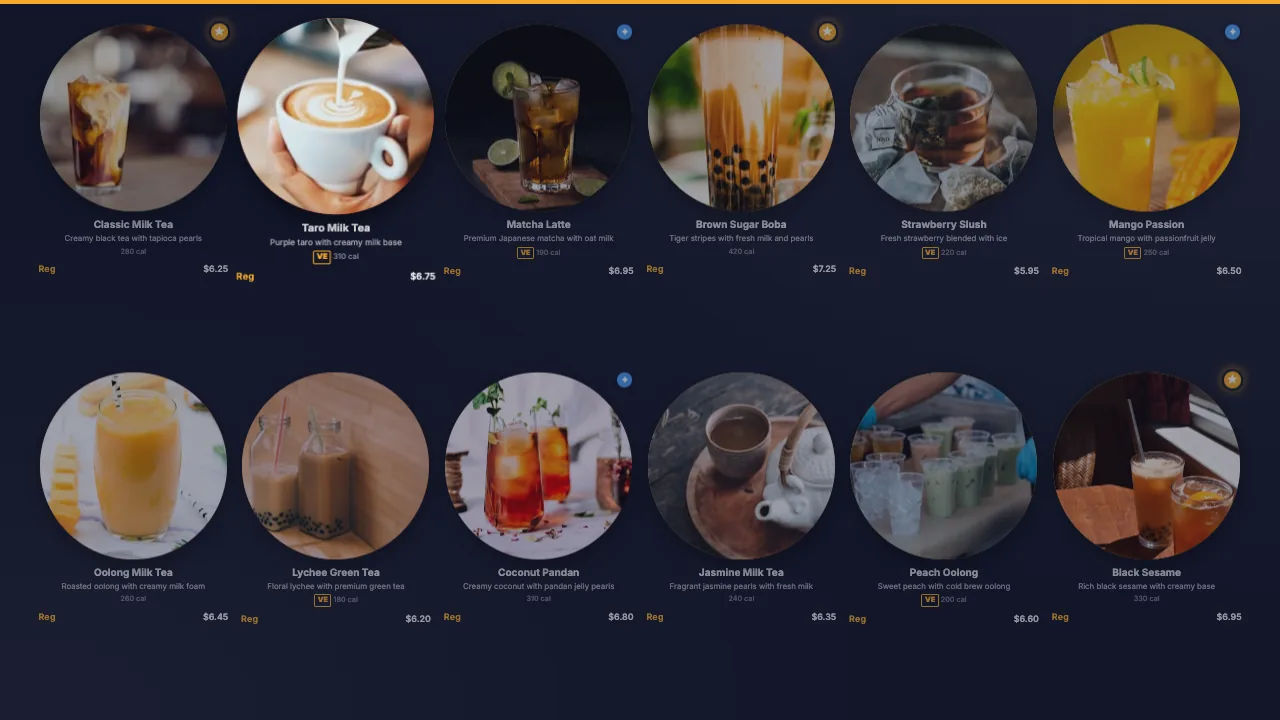
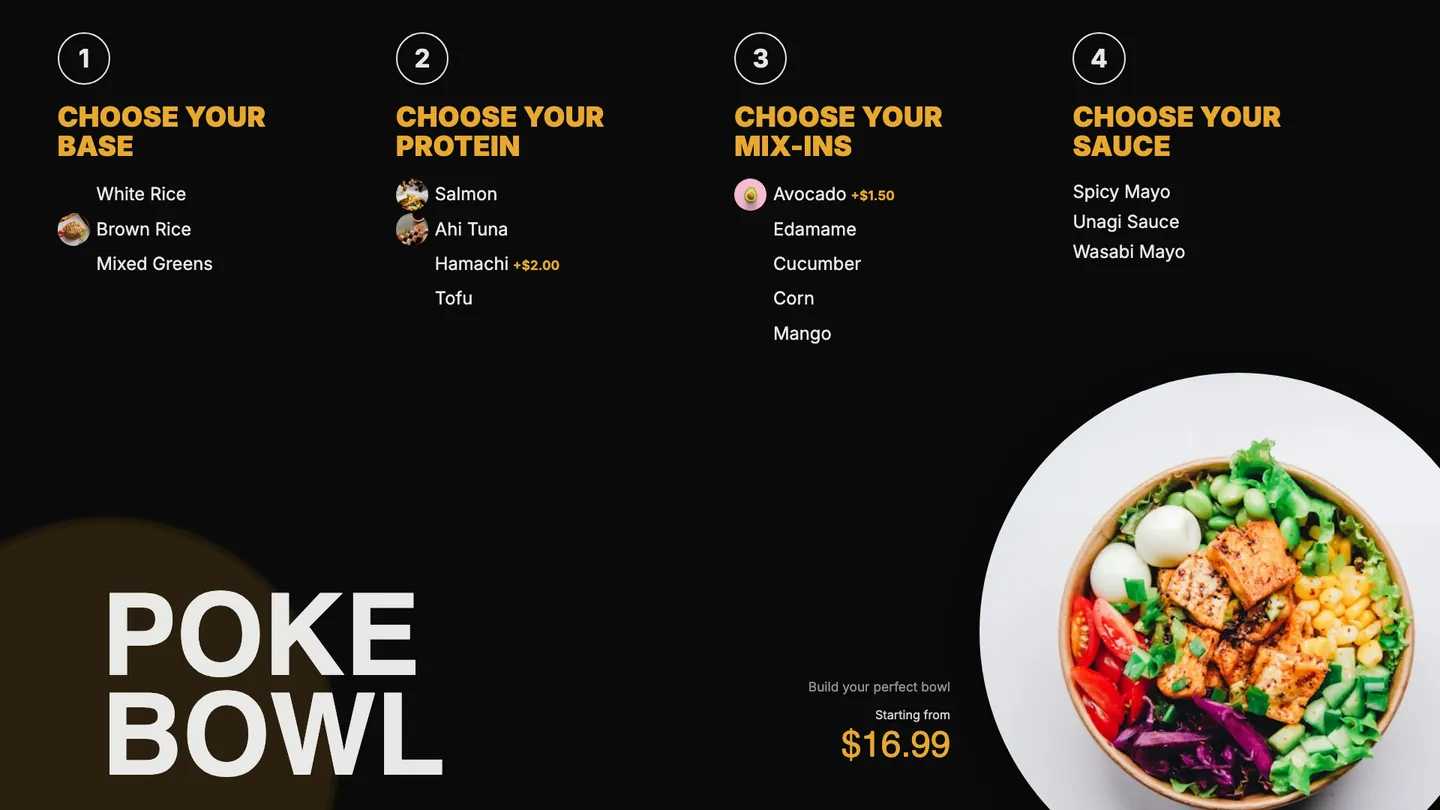
Pulled live, always in step with your POS. Spin the sphere and tap anything that syncs to the board.
Drag to spin · tap a capability
Every item and price flows straight from your POS to the board — change it once, it changes on screen.
Menu photos pull through automatically, so the board looks as good as your food.
86 an item and it greys out or drops off the board within seconds — no stale specials.
Small, medium, large and every variation render exactly as priced in your POS.
Add-ons and modifiers show with the right upcharges, straight from the menu.
Combo deals display as combos, priced correctly, with no manual board edits.
Breakfast, lunch and happy-hour menus switch themselves on schedule.
Highlight your top sellers automatically, pulled from real POS sales.
Allergen and calorie info appears alongside items for clear, compliant menus.
The board themes to your brand colors automatically — readable from across the room.
Want it on screen the day it ships? Get on the early-access list.